
A conversational form presents your form fields one at a time as a chat, with each field label shown as a message. This script uses the open-source Conversational Form library by SPACE10.
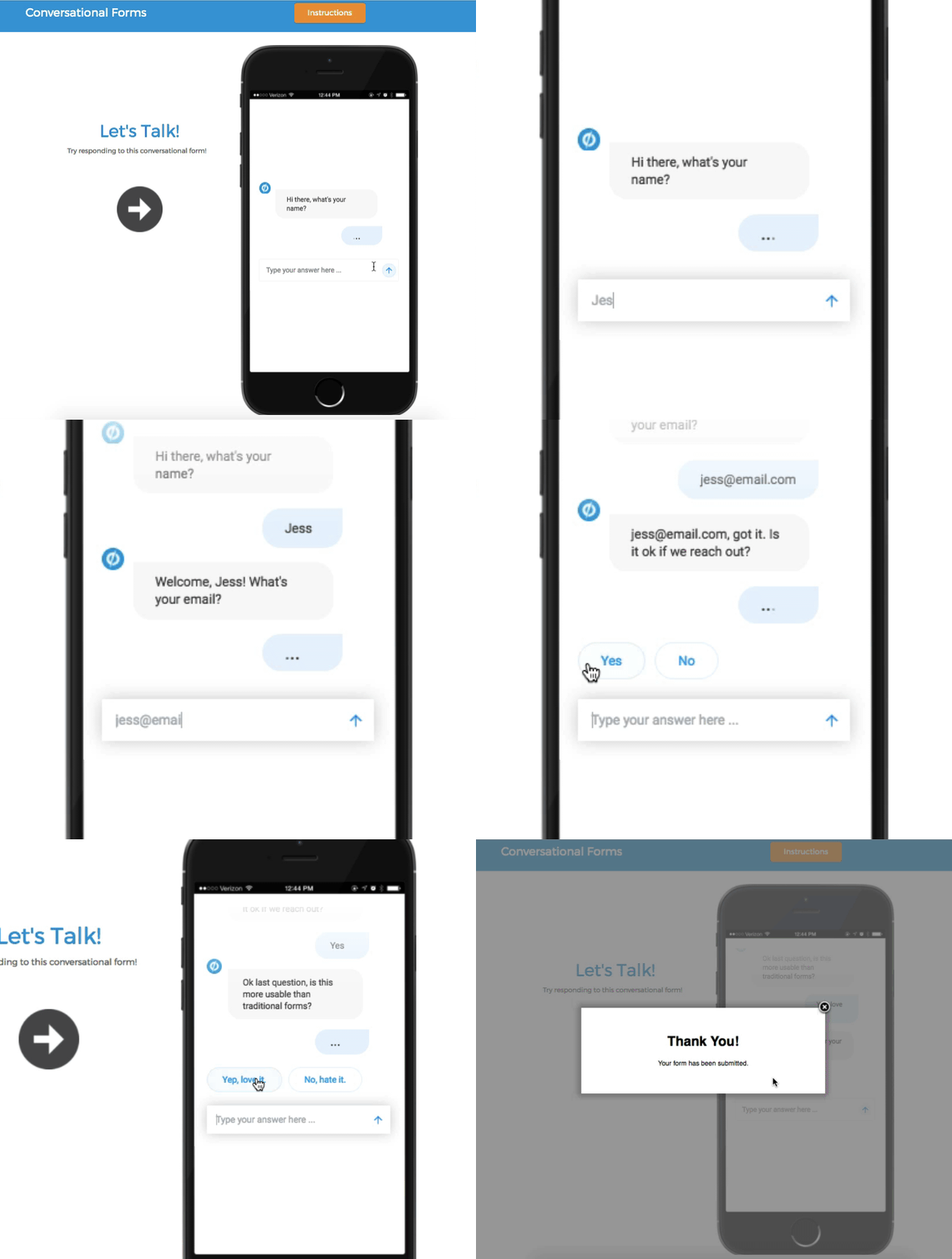
This is community code, not an official Unbounce feature. Unbounce Support can't troubleshoot custom code. Test it on a published page before relying on it, and work with a developer if you aren't comfortable editing HTML, JavaScript, and CSS.
Before you start
The script and CSS are hosted on GitHub as this gist. You can also download a ready-made .unbounce page to import.
Build the conversational form
- Add a form to your page.
- Add your fields, and write each field label as a question or message.
- For each field, turn off Auto-generate from Field Label and enter a short field name and ID.
- Add a box element and place the form inside it. The box size sets the size of the conversational form.
- Copy
conversational_form.jsfrom the gist and add it to the JavaScripts section with placement set to Before Body End Tag. - In the script, replace the bot and user thumbnail image URLs with your own hosted images.
- Copy
conversational_form.cssfrom the gist and add it to the Stylesheets section. - Save and republish the page.