
This script cycles the elements inside a box, showing one at a time with a fade. Use it for small, secondary content, such as rotating testimonials below the fold or alternating subheadlines. Large, attention-grabbing sliders tend to lower conversion rates, so avoid making rotating content the focus of the page, and test it before you adopt it.

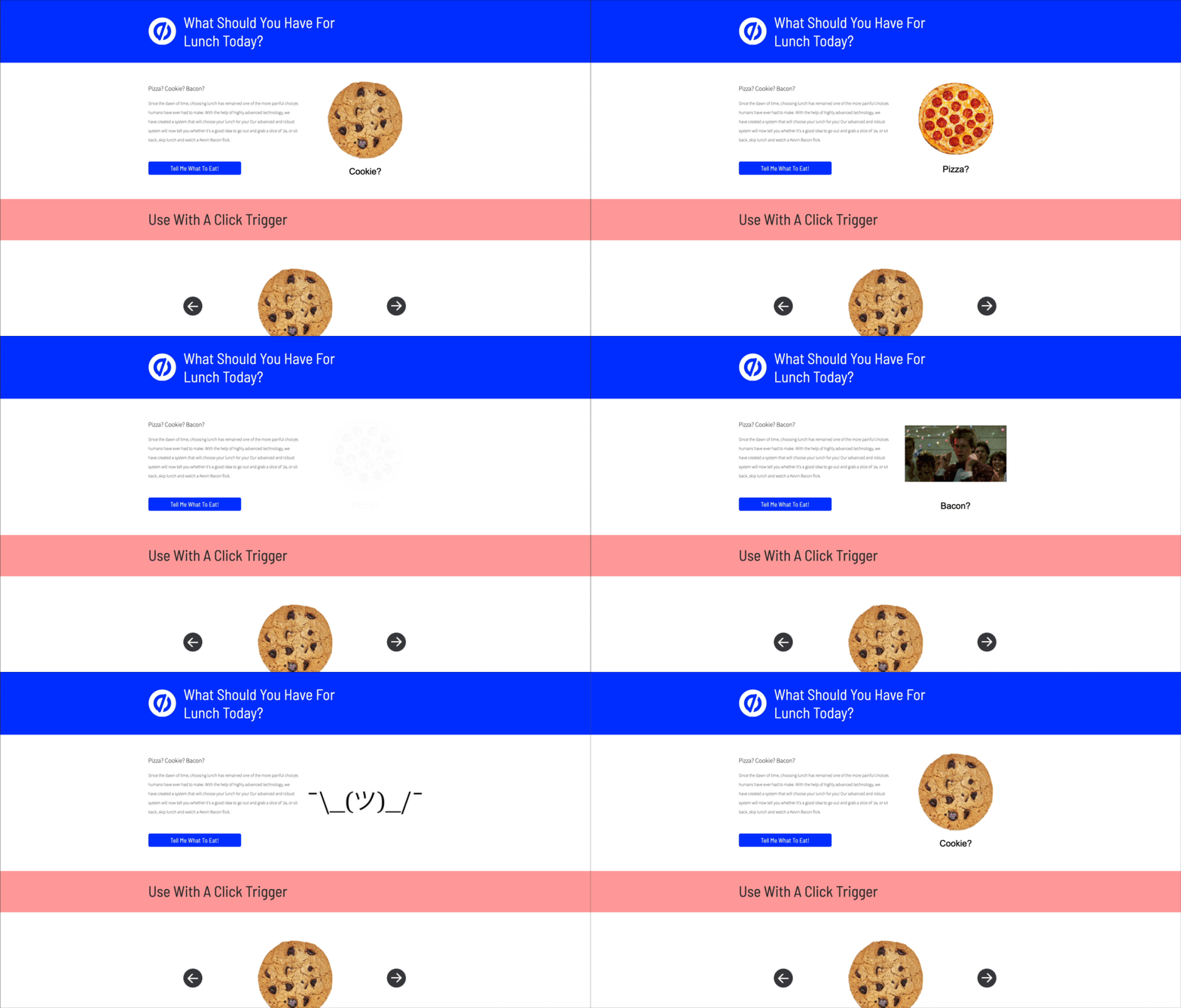
See the demo page built in Unbounce.
This is community code, not an official Unbounce feature. Unbounce Support can't troubleshoot custom code. Test it on a published page before relying on it, and work with a developer if you aren't comfortable editing HTML, JavaScript, and CSS.
Add rotating content to your page
- Add a box element to hold the content you want to rotate, and note its ID.
- Add your content to the box and make sure each item is nested in it. The inside of the box turns checkered when an item is nested. You can nest images, text, or other boxes. The script centers each item in the box.
- Add the jQuery 2.2.4 link from code.jquery.com to the JavaScripts section with placement set to Head. If your page includes jQuery 1.4.2 by default, turn that option off in the JavaScripts section.
-
Add one of the following scripts to the JavaScripts section.
- To rotate items automatically, use auto-cycle-elements.html. Change the ID in the script to your box's ID. To change how long each item shows, edit the time. The default is 2 seconds.
- To let visitors rotate items with buttons, use unbounce-carousel-click.html. Add the buttons to your page and enter their IDs in the script where indicated.
- Save and republish the page.
To rotate content in more than one box, duplicate the script and change the box ID in each copy.