
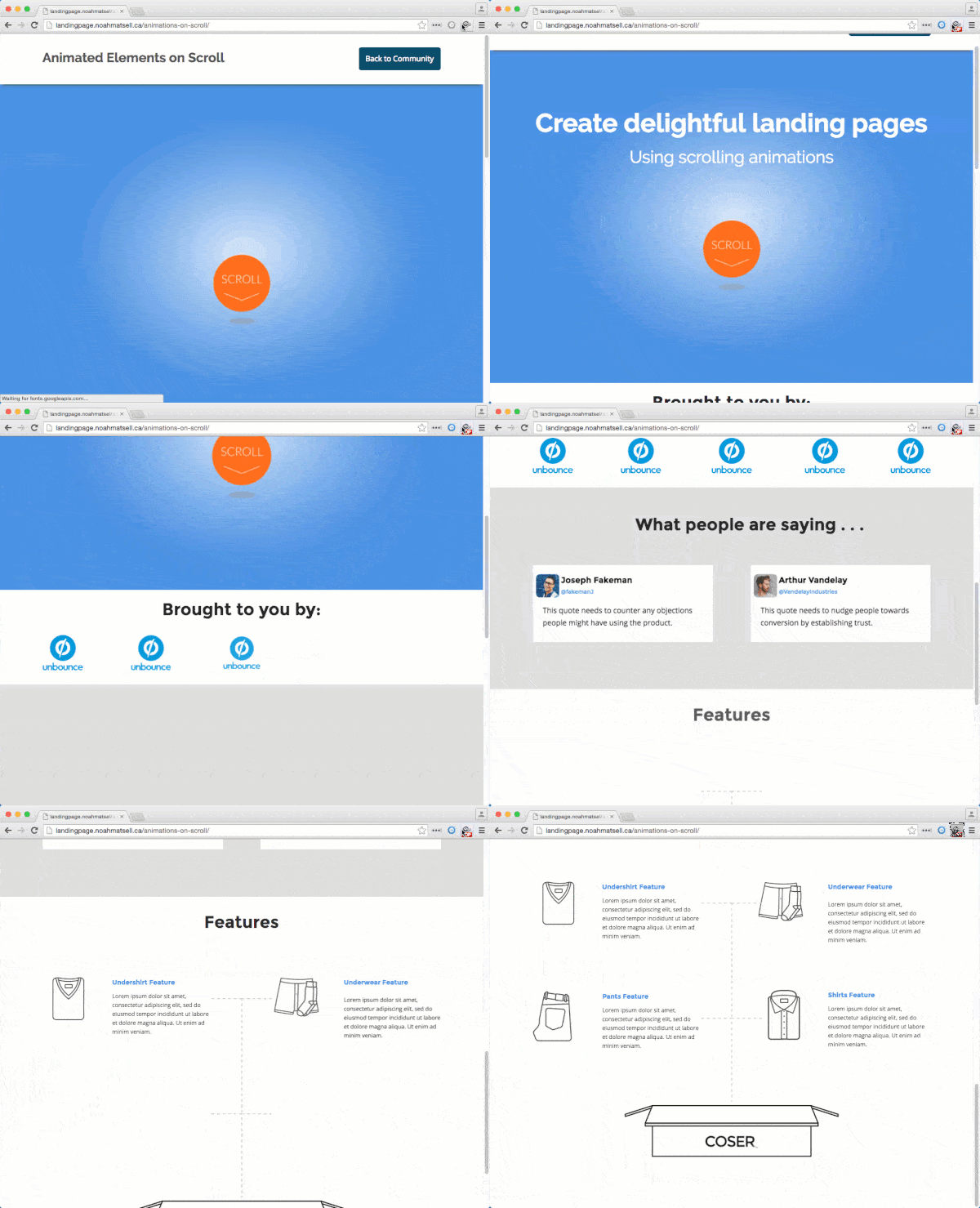
On-scroll animations reveal page elements with an effect as the visitor scrolls them into view. This script uses the On-scroll Animations gist with animate.css effects.
This is community code, not an official Unbounce feature. Unbounce Support can't troubleshoot custom code. Test it on a published page before relying on it, and work with a developer if you aren't comfortable editing HTML, JavaScript, and CSS.
Add the animations to your page
- Copy the onscroll_animations.js script and add it to the JavaScripts section.
- In the script, replace
#lp-pom-image-126with the ID of the element you want to animate. To use a different effect, replacebounceInwith any animate.css effect. To change the delay, change1000to a different number of milliseconds. - Add a new
addAnimationData();call for each element you want to animate. - Copy the onscroll_animations.css code into the Stylesheets section.
- Save and republish the page.
You may need to adjust the timing to get the effect right.
Test the change
Run an A/B test with a small share of traffic to confirm the animations don't lower your conversion rate.