
A reading progress bar runs across the top of the page and fills as the visitor scrolls, showing how much of the page they've read. It can encourage visitors to keep scrolling on long pages.
This is community code, not an official Unbounce feature. Unbounce Support can't troubleshoot custom code. Test it on a published page before relying on it, and work with a developer if you aren't comfortable editing HTML, JavaScript, and CSS.
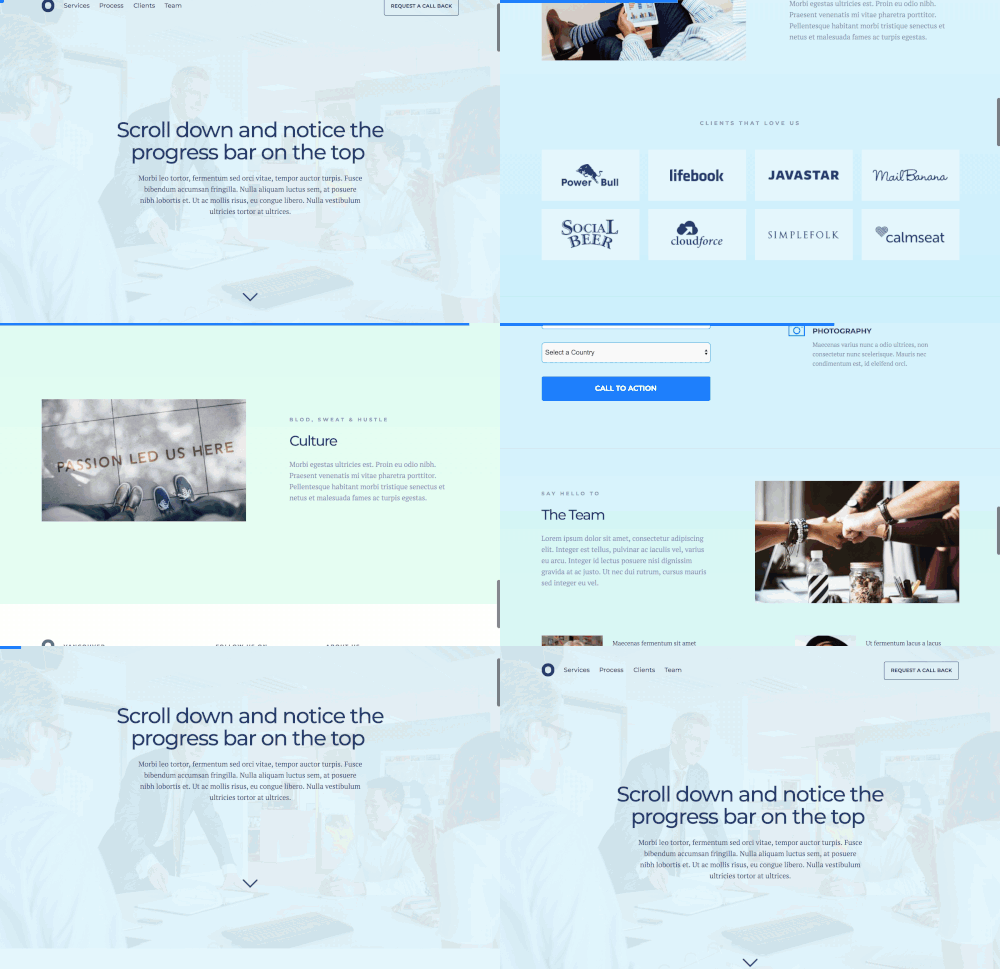
See the demo page built in Unbounce.
Add the progress bar to your page
- In the JavaScripts section, add the following script with placement set to Before Body End Tag:
<script src="https://code.jquery.com/jquery-3.1.1.min.js"></script>
<script src="https://cdn.jsdelivr.net/gh/mburakerman/prognroll@master/src/prognroll.js"></script>
<script>
    $(function() {
      $("body").prognroll({
        height: 8, //Progress bar height in pixels
        color: "#F95A5A", //Progress bar background color
      });
    });
</script>- Change the
heightandcolorvalues to match your page's design. - Save and republish the page.
Test the change
Run an A/B test with a small share of traffic to confirm the progress bar doesn't lower your conversion rate.